Make every message professional and consistent by adding your company details in the Time Slot settings. You can quickly insert your info into email and SMS templates in just a few clicks. Your company details are also included in the .ics calendar file sent with approval emails, so clients can easily save appointments to their calendar. With Time Slot Pro, your company address appears in your Google Calendar event, giving customers quick access to maps and directions.
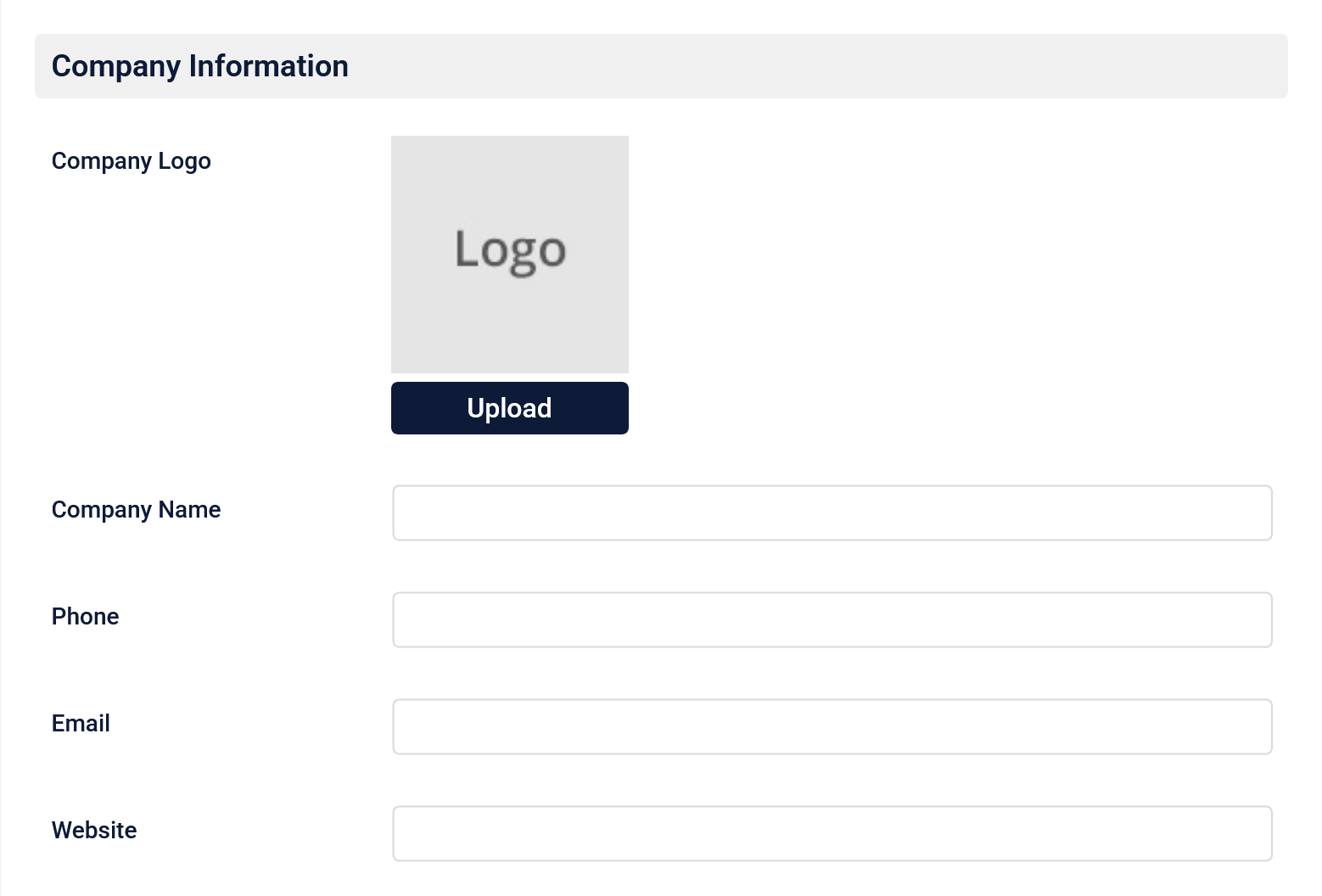
- Add your logo and contact info
Start by adding your logo and basic contact information on the Business Info page in Time Slot settings. This includes your company name, phone number, email address, and website URL.
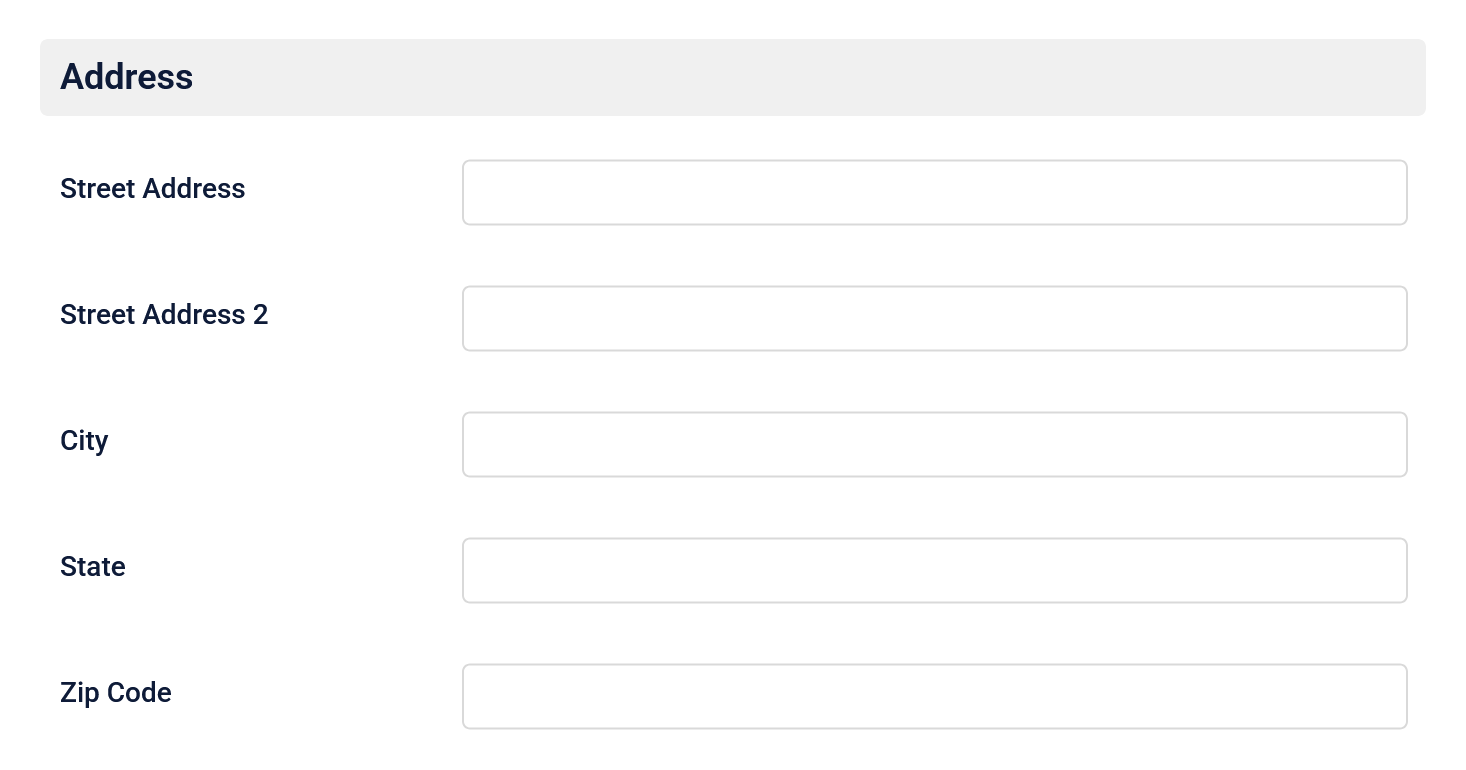
- Add your business address
Next, add your business address on the same page. Enter your street address, city, state, and ZIP code so your location can be included where needed.